Access
Access to the Snowflake, the Paxon ⸗ Active Ants' Datawarehouse, is provided via the Account Manager of a client.
Request access
Account Managers will need to inform itsupport@activeants.com about clients that need access.
The information that needs to be provided is:
- Name of client in Maya, preferably with the clientid
- Email address of person to grant access to
- First and last name of user
Upon receiving access, a user can login to SnowSight, the UI of Snowflake.
Initial Login for Clients
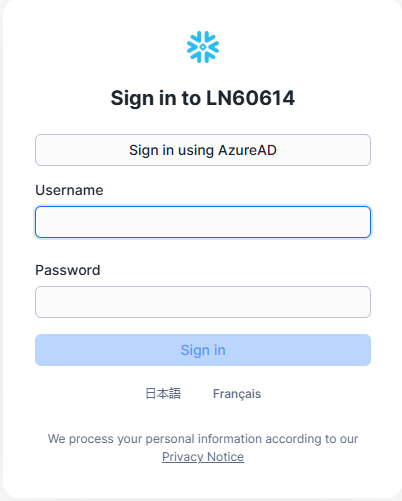
A new user will receive their access credentials via the Account Manager. They will receive their username and initial password.
The initial login is via https://es61449.west-europe.azure.snowflakecomputing.com/
The account identifier for Paxon ⸗ Active Ants is: ES61449.west-europe.azure.
Clients will be required to change their initial password immediately upon first login.
Clients will also be required to set up Multi Factor Authentication (MFA). Multiple options for MFA are available, these are under control of Snowflake, not Paxon ⸗ Active Ants.
Forgotten password
In case a client forgot their password, follow the guidelines of Snowflake.
In case Snowflake's "I forgot my password"-option is not sufficient, please contact itsupport@activeants.com.
Also: when you need to reset your MFA, inform itsupport@activeants.com as well.
First data access
Please see the Snowflake instructions on how to use and navigate Snowsight. This platform changes frequently, providing new and improved functionality. Therefore, please take a look at https://docs.snowflake.com/en/user-guide/ui-snowsight for initial instructions.
In our next section we explain how to create an initial dashboard in SnowSight.